V.Dream
A downloadable FODSOFT™ Tool for Windows
Go to the V.Dream GitHub repo or Go to the V.Dream website
📖 Description (English):

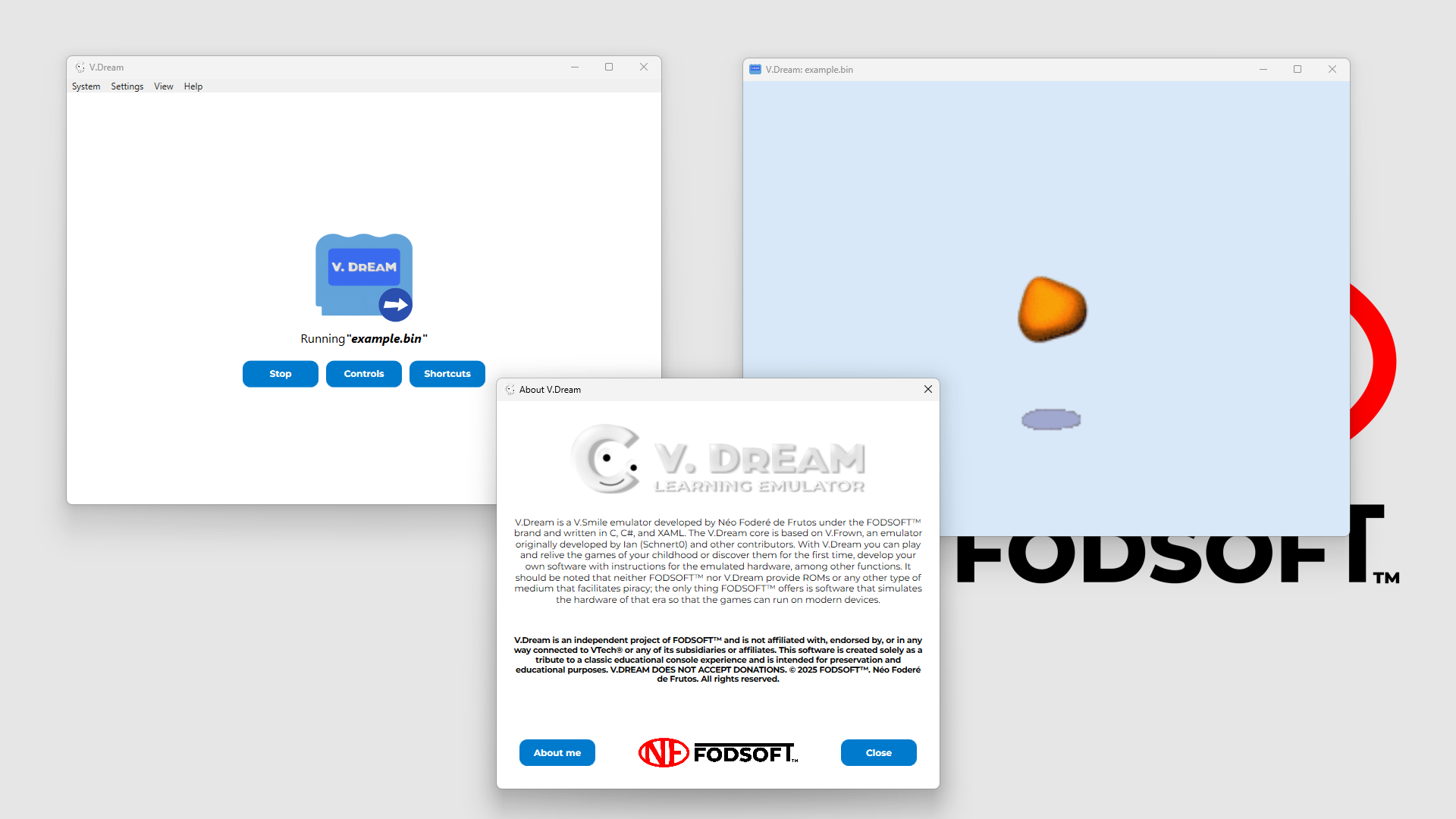
V.Dream is a V.Smile emulator developed by Néo Foderé de Frutos under the FODSOFT™ brand and written in C, C#, and XAML. The V.Dream core is based on V.Frown, an emulator originally developed by Ian (Schnert0) and other contributors.
With V.Dream, you can play and relive the games from your childhood or discover them for the first time, develop your own software with instructions for the emulated hardware, among other features. It should be noted that neither FODSOFT™ nor V.Dream provide ROMs or any other means that facilitate piracy; the only thing FODSOFT™ offers is software that simulates the hardware of that era so the games can run on modern devices.
📖 Descripción (Español):

V.Dream es un emulador de V.Smile desarrollado por Néo Foderé de Frutos bajo la marca FODSOFT™ y escrito en C, C# y XAML. El núcleo de V.Dream está basado en V.Frown, un emulador desarrollado originalmente por Ian (Schnert0) y otros colaboradores.
Con V.Dream podrás jugar y recordar los juegos de tu infancia o descubrirlos por primera vez, desarrollar tu propio software con instrucciones para el hardware emulado, entre otras funciones. Cabe aclarar que ni FODSOFT™ ni V.Dream ofrecen ROMs u otro tipo de medio que facilite la piratería, lo único que ofrece FODSOFT™ es un software que simula ser el hardware de aquella época para que los juegos puedan ejecutarse en dispositivos modernos.
📖 Description (Français):

V.Dream est un émulateur V.Smile développé par Néo Foderé de Frutos sous la marque FODSOFT™ et écrit en C, C# et XAML. Le cœur de V.Dream est basé sur V.Frown, un émulateur initialement développé par Ian (Schnert0) et d’autres contributeurs.
Avec V.Dream, vous pourrez rejouer et vous remémorer les jeux de votre enfance ou les découvrir pour la première fois, développer votre propre logiciel avec des instructions pour le matériel émulé, parmi d’autres fonctions. Il convient de préciser que ni FODSOFT™ ni V.Dream n’offrent de ROM ni aucun autre support facilitant le piratage ; la seule chose que propose FODSOFT™ est un logiciel qui simule le matériel de l’époque afin que les jeux puissent s’exécuter sur des appareils modernes.
V.Dream is an independent project of FODSOFT™ and is not affiliated with, endorsed by, or in any way connected to VTech® or any of its subsidiaries or affiliates. This software is created solely as a tribute to a classic educational console experience and is intended for preservation and educational purposes.
V.DREAM DOES NOT ACCEPT DONATIONS.
© 2026 FODSOFT™. Néo Foderé de Frutos. All rights reserved.
| Updated | 18 hours ago |
| Status | Released |
| Category | Tool |
| Platforms | Windows |
| Author | FODSOFT™ |
| Tags | Emulator, fodsoft, neo-fodere, nstudios-games, vsmile, vsmile-emulator |
Download
Install instructions

🔧 Installation and Setup guide (English):
Thank you for trusting V.Dream and FODSOFT™!
🧩 First, download and install the .NET Desktop Runtime 8.0 or later from the Microsoft website if you don’t already have it.
1. Download and install the vdream_installer.exe file.
1.1 Run it and select an installation folder, or use the default one. (If you select a folder that requires elevated write permissions, you will need to run V.Dream as an administrator whenever you want to use it).
2. Or download and extract the vdream_portable_{architecture}.7z file and run vdream.exe.
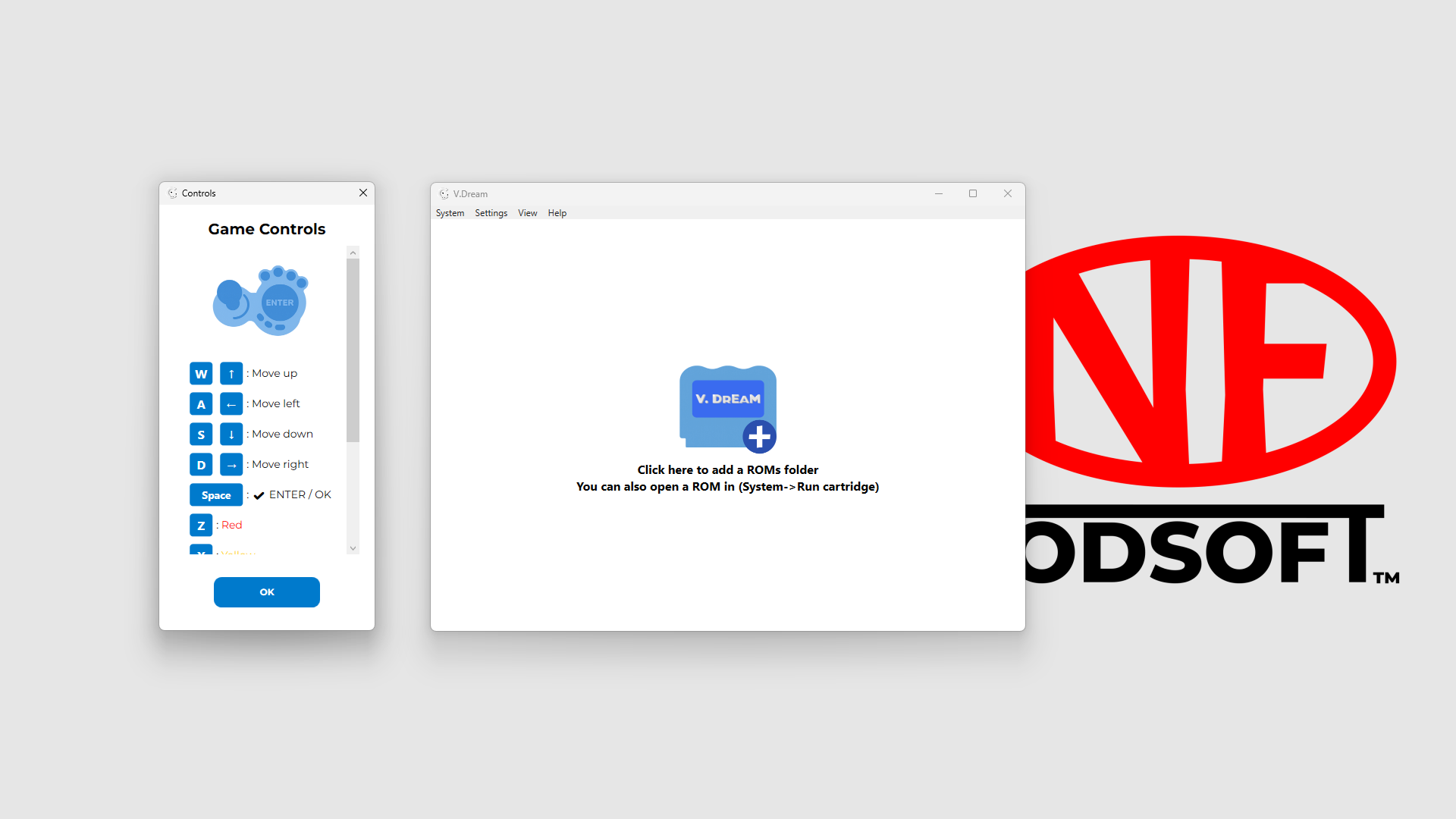
3. Open V.Dream and press the center button to select a folder, or go to System -> Select folder.
4. Or go to System -> Run cartridge to launch a game directly.
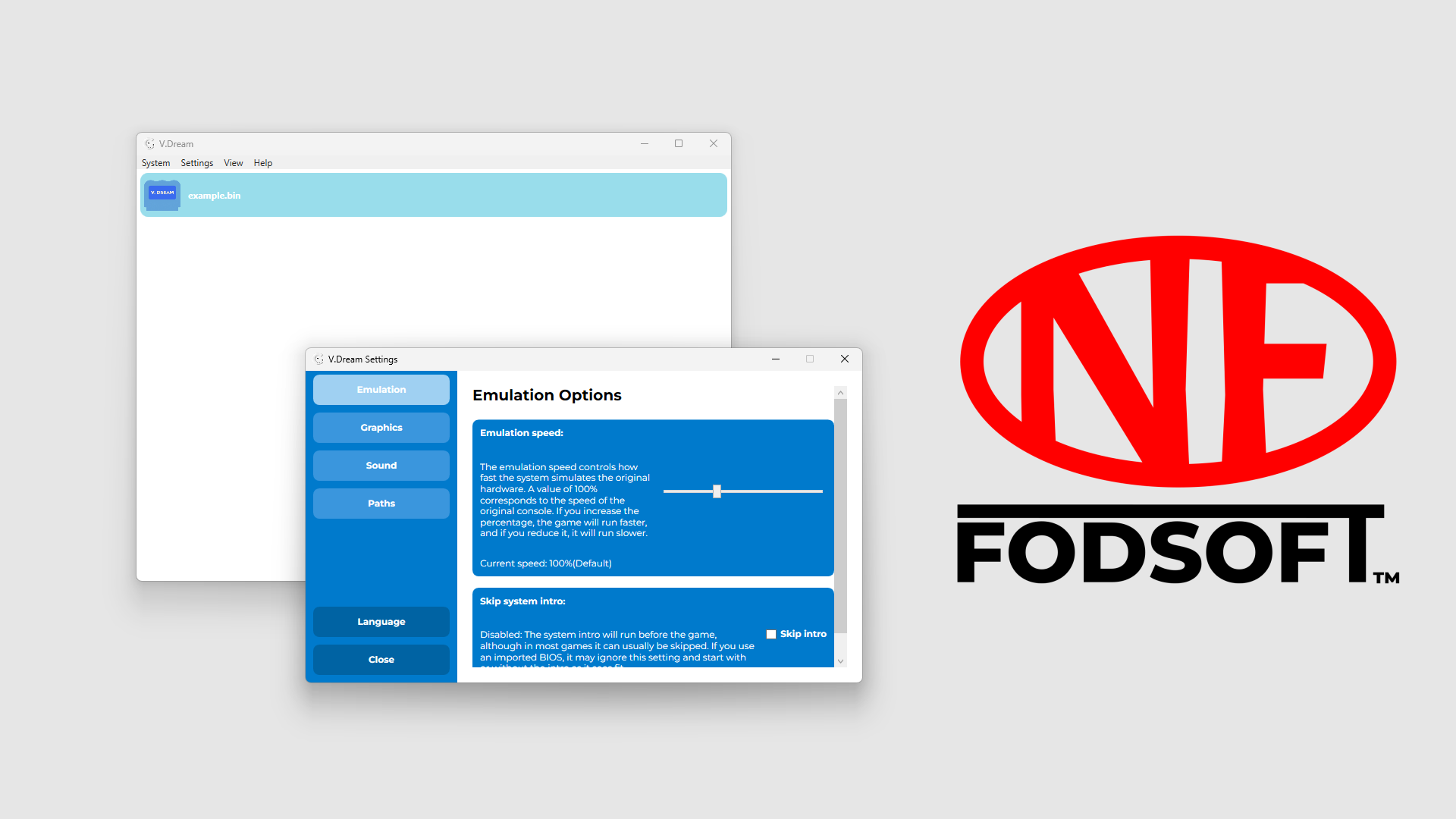
5. Now you can play, but some games require an official BIOS file. To import it, go to Settings -> Paths -> BIOS -> Select BIOS, or try to launch a game that requires a BIOS file and press Import BIOS.
6. You can switch the game menu mode between a vertical list view and a customizable cover view from View -> Covers and View -> List.
🔧 Guía de instalación y configuración (Español):
¡Gracias por confiar en V.Dream y en FODSOFT™!
🧩 Primero, descarga e instala .NET Desktop Runtime 8.0 o superior desde la página web de Microsoft si aún no lo tienes.
1. Descarga e instala el archivo vdream_installer.exe.
1.1. Ejecútalo y selecciona una carpeta de instalación, o usa la predeterminada. (Si eliges una carpeta que requiere permisos elevados de escritura, tendrás que ejecutar V.Dream como administrador cada vez que quieras usarlo).
2. O descarga y extrae el archivo vdream_portable_{arquitectura}.7z y ejecuta vdream.exe.
3. Abre V.Dream y pulsa el botón central para seleccionar una carpeta, o ve a Sistema -> Seleccionar carpeta.
4. O ve a Sistema -> Ejecutar cartucho para iniciar un juego directamente.
5. Ahora ya puedes jugar, pero algunos juegos requieren un archivo BIOS oficial. Para importarlo, ve a Ajustes -> Rutas -> BIOS -> Seleccionar BIOS, o intenta iniciar un juego que lo necesite y pulsa Importar BIOS.
6. Puedes cambiar el modo del menú de juegos entre una vista de lista vertical y una vista de carátulas personalizable desde Vista -> Carátulas y Vista -> Lista.
🔧 Guide d’installation et de configuration (Français):
Merci de faire confiance à V.Dream et à FODSOFT™ !
🧩 D’abord, télécharge et installe le .NET Desktop Runtime 8.0 ou une version ultérieure depuis le site de Microsoft si tu ne l’as pas déjà.
1. Télécharge et installe le fichier vdream_installer.exe.
1.1. Exécute-le et choisis un dossier d’installation, ou utilise celui par défaut. (Si tu choisis un dossier nécessitant des permissions d’écriture élevées, tu devras lancer V.Dream en tant qu’administrateur chaque fois que tu voudras l’utiliser).
2. Ou télécharge et extrait le fichier vdream_portable_{architecture}.7z puis lance vdream.exe.
3. Ouvre V.Dream et appuie sur le bouton central pour choisir un dossier, ou va dans Système -> Sélectionner un dossier.
4. Ou va dans Système -> Lancer une cartouche pour démarrer un jeu directement.
5. Tu peux maintenant jouer, mais certains jeux nécessitent un fichier BIOS officiel. Pour l’importer, va dans Paramètres -> Chemins -> BIOS -> Sélectionner un BIOS, ou essaie de lancer un jeu qui en a besoin et appuie sur Importer le BIOS.
6. Tu peux changer le mode du menu des jeux entre une liste verticale et une vue personnalisable des jaquettes via Affichage -> Jaquettes et Affichage -> Liste.
© 2025 FODSOFT™. Néo Foderé de Frutos. All rights reserved.


Comments
Log in with itch.io to leave a comment.
Hi everyone! If anyone happened to download V.Dream v.1.0, I wanted to give you a quick heads‑up about a bug I overlooked.
If you take any random file, rename it to .png or .jpg, and try to use it as a cover for a game, the program accepts it without complaining… and of course it crashes. If this happens, V.Dream won’t launch normally anymore until the corrupted cover is removed. This is now handled properly with a try/catch in v.1.1.
The fix is simple:
Either update to v1.1 or later, or delete the corrupted cover copy in the covers folder located in the root directory where the V.Dream executable is.
Sorry if this happened to anyone or ends up happening to someone.